 service-smtp
iPhone & smartphones
Android
This article details the configuration of The Android for using an account Service-SMTP.eu
-
Select “Email”
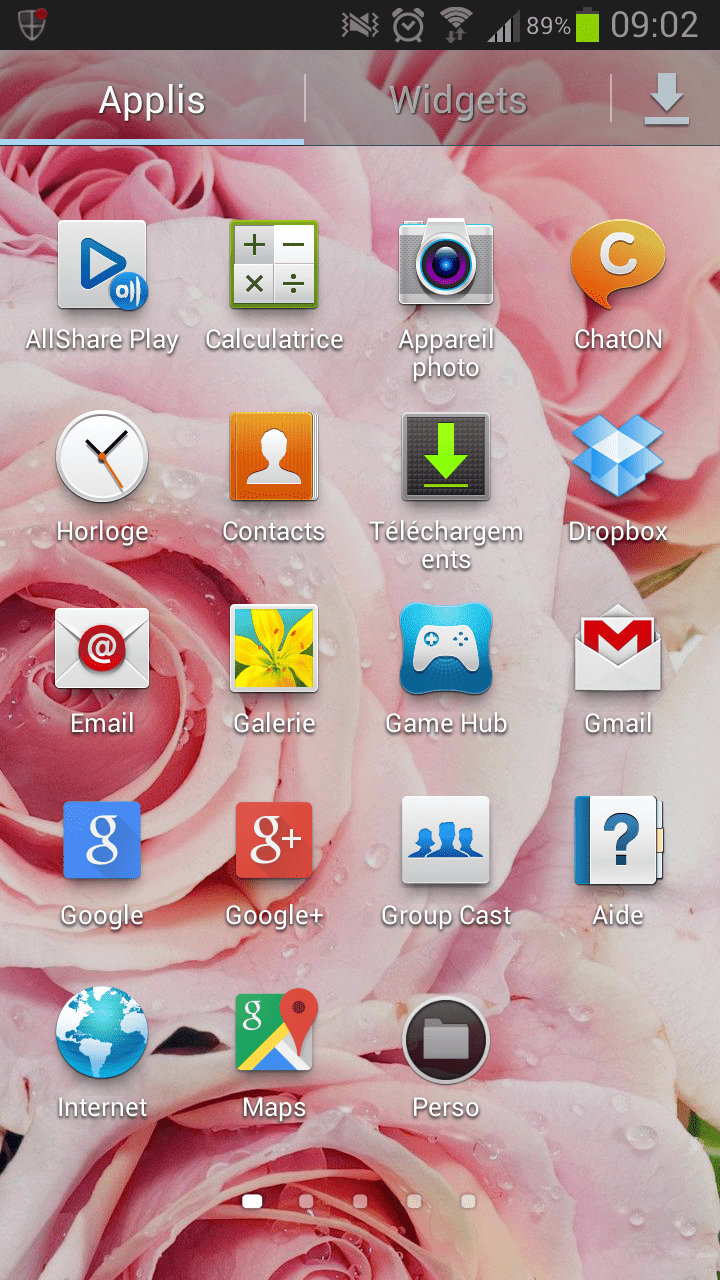
-
Click “Parameters”
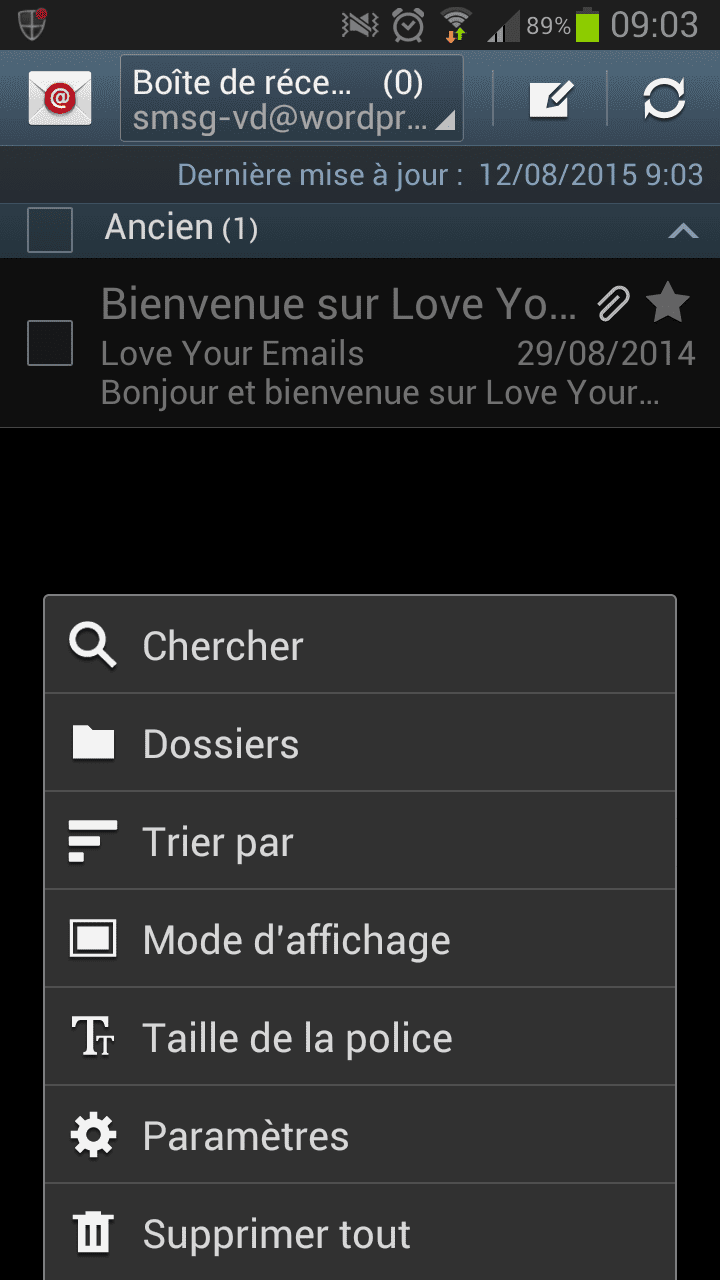
-
Select the account you want to use Service-SMTP on.
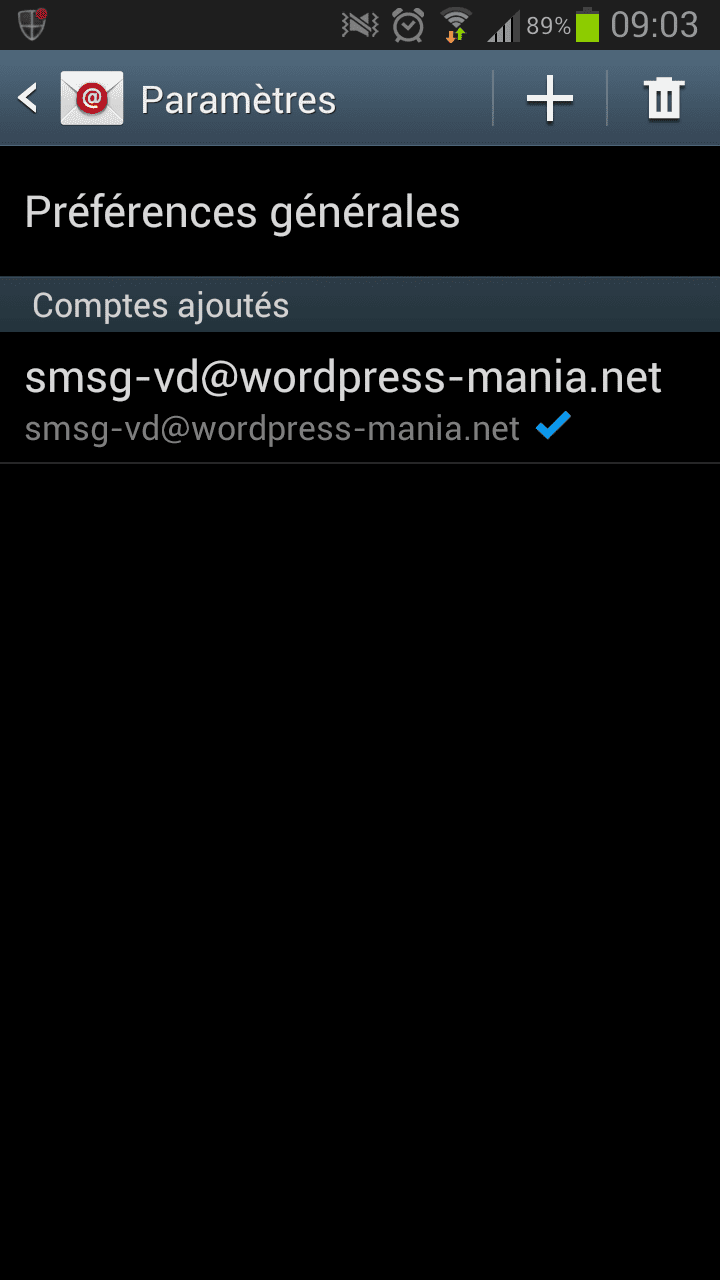
-
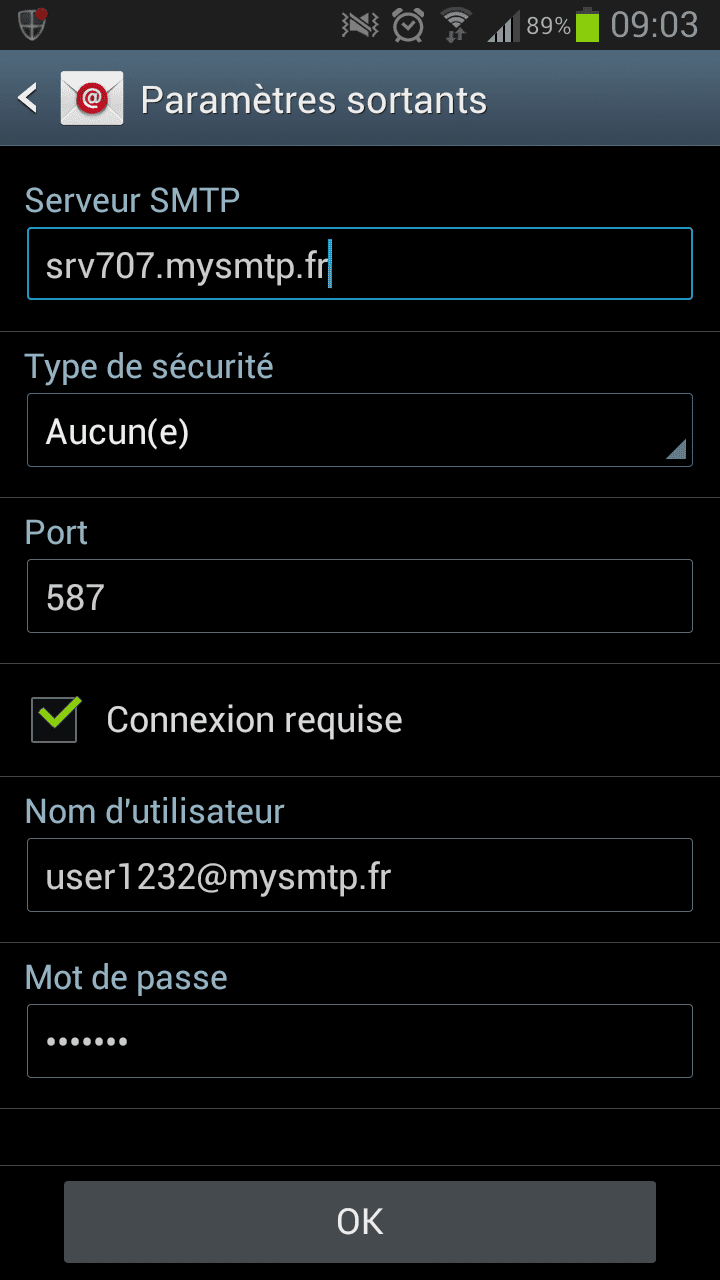
Click “Outgoing Settings”
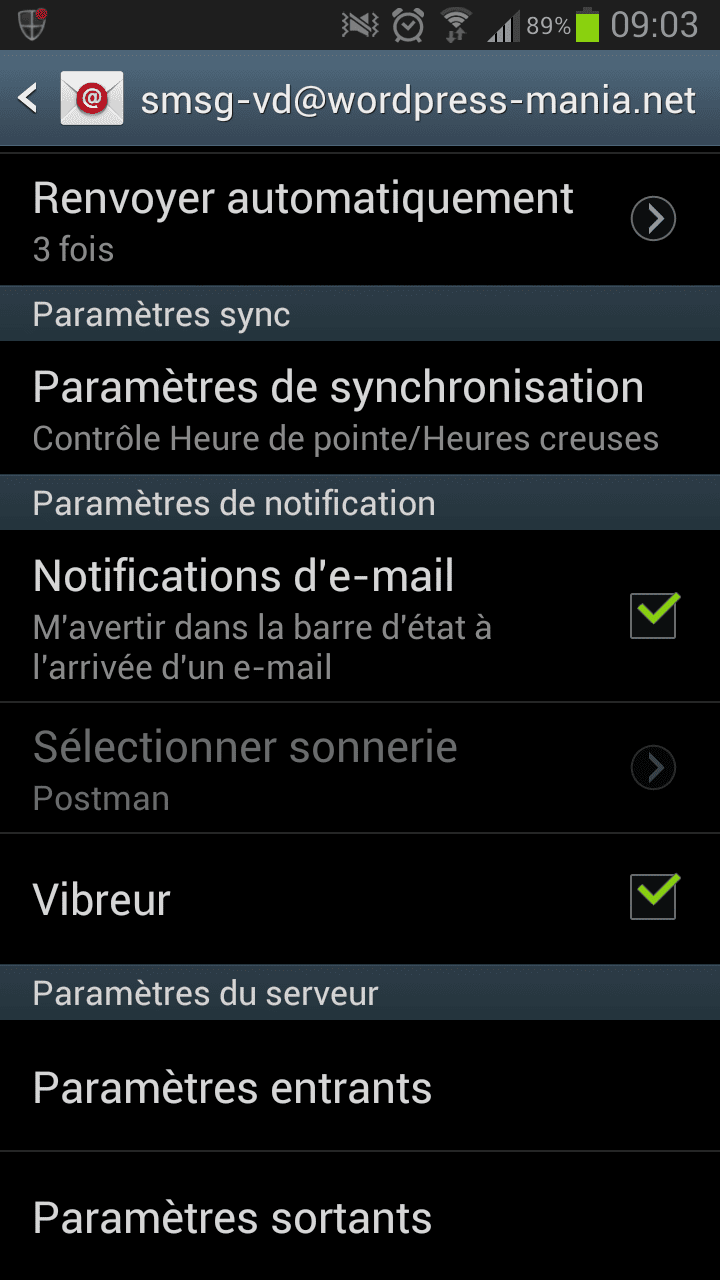
-
Then enter the requested items, which you will find in your customer interface on Service-SMTP.fr, in front of the subscription you want to set up and then tap Ok.
Free account, pay only when you order. Set up in minutes.